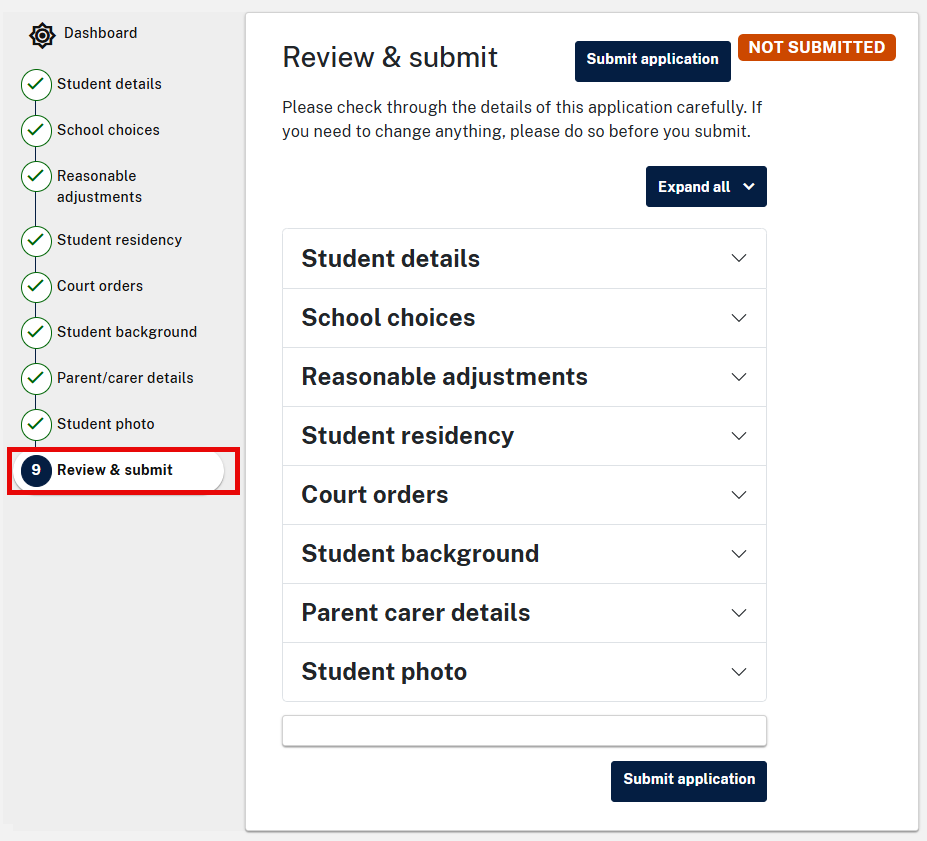
- Select the drop-down arrow to expand the page you would like to review. You can also select Expand all to review all pages at the same time. Select Go to section to update to edit any information in the relevant section where information is not correct or complete
- Select Submit application.
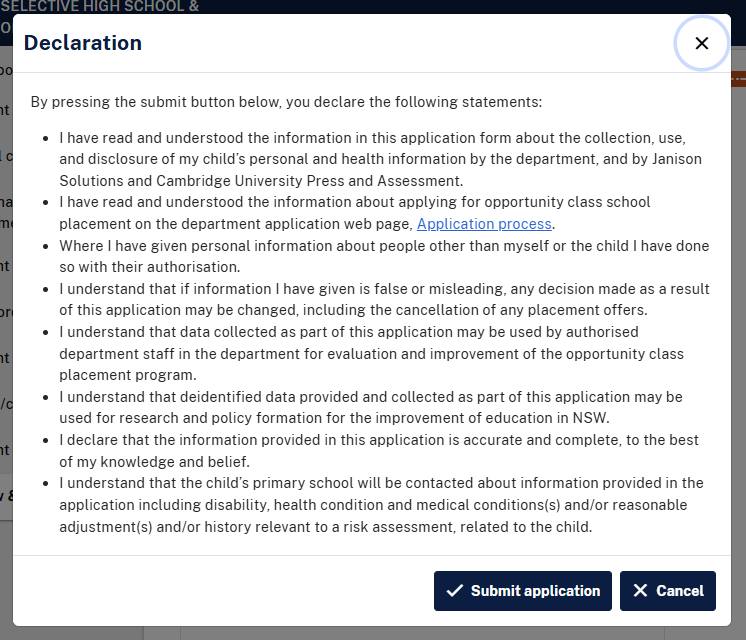
- A declaration will appear. Select Submit application to proceed.
- Check that the status is showing Submitted at the top of the screen.
Confirmation
After submitting your application you will receive an email confirming your application has been submitted.
If the email is not in your inbox, please check your junk or spam folder before contacting us.
Students in non-government schools
Along with your confirmation email, you will also receive a form that needs to be downloaded and printed to give to your child's primary school principal.
This is so we can collect any information needed to provide support to your child on the test day, such as adjustments for disability.
We may also need to contact your child's current school for this information.
Important:
- Make sure you apply by the closing date for applications – see Key dates.
- Submit only one application per child — duplicate applications will be deleted.