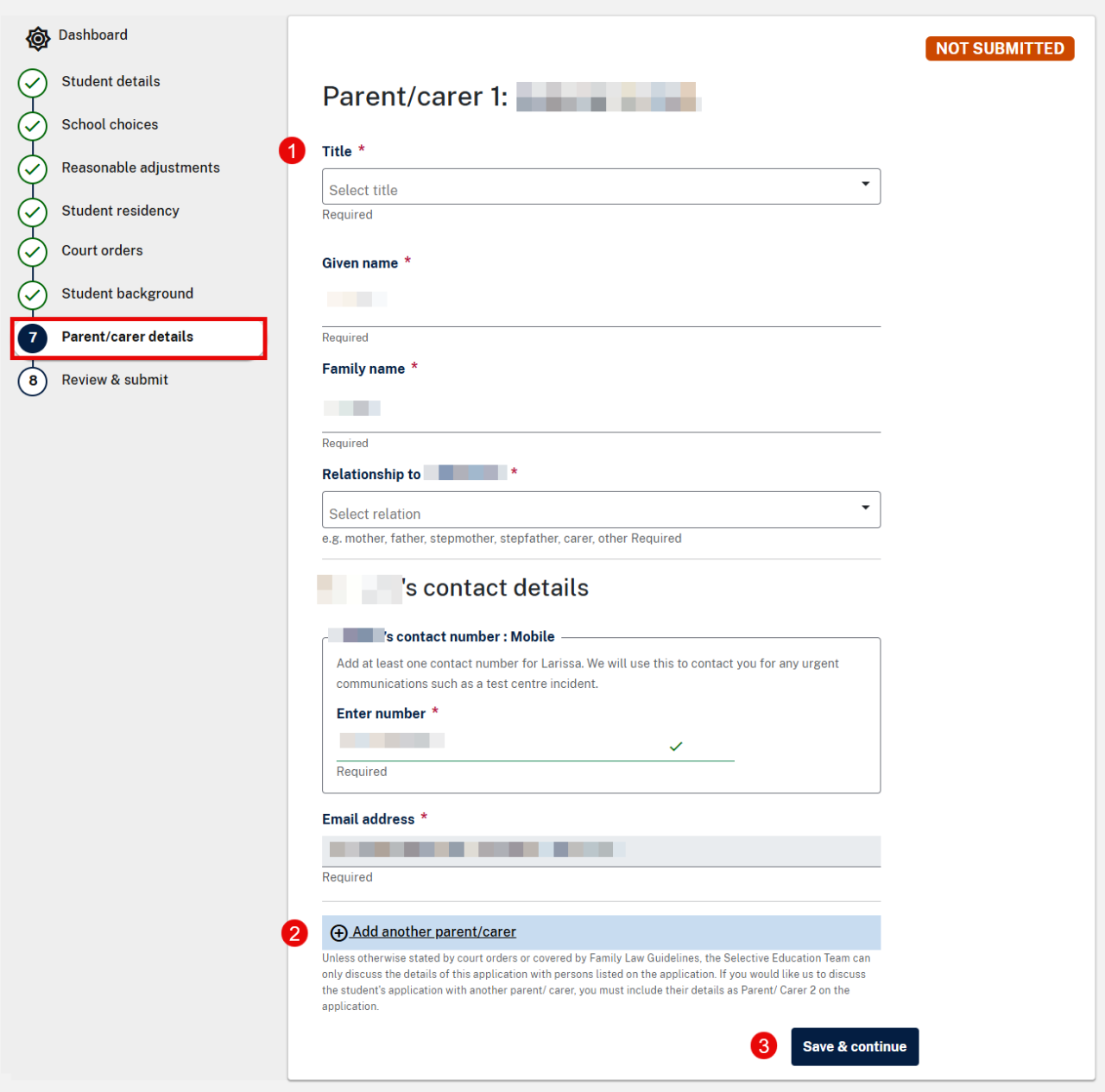
Add your name, relationship to the child and contact details under Parent/carer 1. If you do not need to add another parent/carer, proceed to Step 3.
If you want to add another parent/carer's contact details, select Add another parent/carer. You must add them if they will be making enquiries or decisions about the application. Only the registered parent/carer can access the application dashboard but all listed parents/carers can make phone and email enquiries about the application.
Select Save & continue.
Image: Screenshot image of the Parent/carers page where primary contact details have been added.